How to Create a Professional Invoice Online — Step by Step (Free)
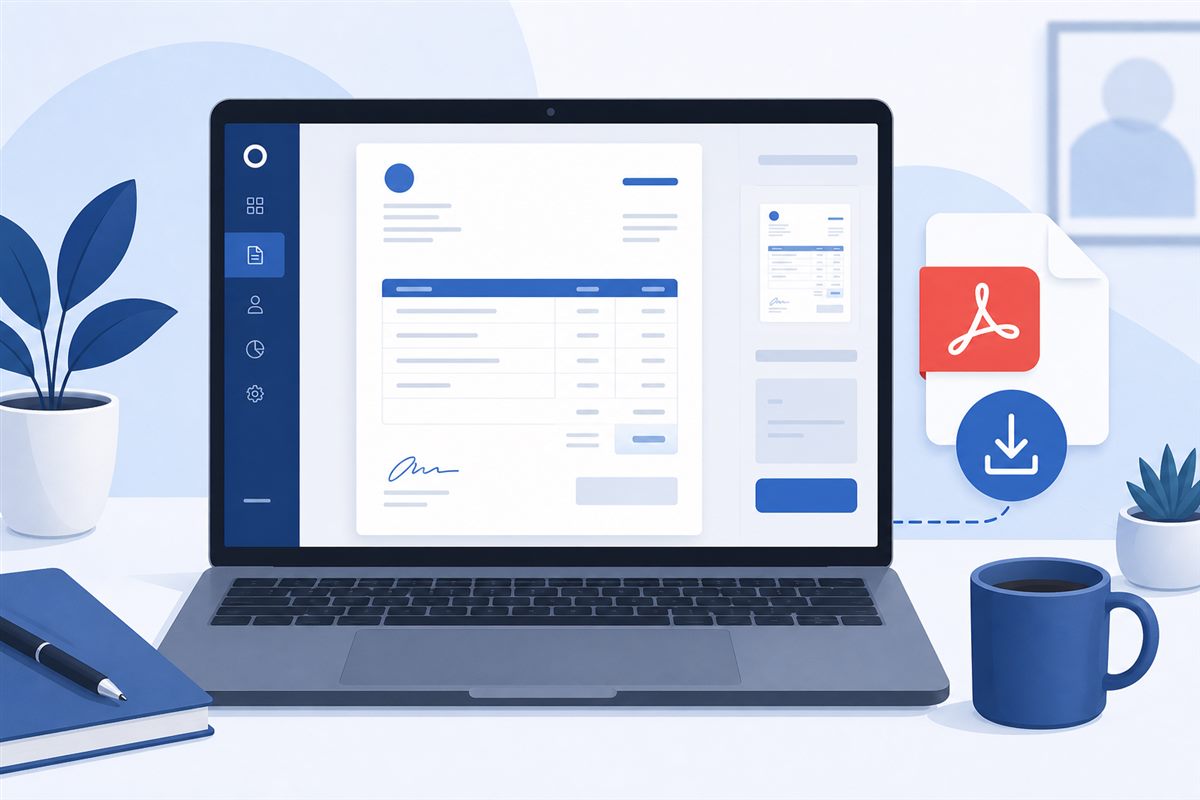
Creating a professional invoice used to mean opening Excel, fighting with formatting, and hoping the layout didn't break when you saved it as PDF. In 2026, that's not how it works anymore.
With a free online invoice generator, you can have a polished, professional invoice ready in under 5 minutes. Here's exactly how. Self-employed freelancers can also follow the invoicing guide for self-employed freelancers. Some projects start with a proforma invoice before the final bill.
Step 1: Open a Free Invoice Generator
Go to a free tool like Unique Invoice Generator — no account needed, no credit card, no watermarks. Just open and start filling in your details.
Step 2: Add Your Business Information, including all the key invoice details clients expect.
Enter your name or business name, your email address, and your phone number. If you have a logo, upload it. It takes 30 seconds and makes your invoice look 10x more professional.
Step 3: Add Your Client's Details
Enter your client's name, their company name if applicable, and their billing address. Double-check the spelling — an invoice with the wrong company name can get rejected by their accounting department.
Step 4: Fill in the Invoice Details
Add an invoice number (start with INV-001 if you're just starting out) using a clean invoice numbering system, the invoice date, and your payment due date. Net 30 is standard for most businesses; Net 15 if you need faster payment, especially when you define payment terms clearly.
Step 5: List Your Services
Add each service as a separate line item. Be specific with your descriptions. Add the quantity, rate, and let the tool calculate the total automatically.
Step 6: Add Tax if Applicable
If you're registered for GST or any other tax, add the rate here. The generator will calculate it automatically.
Step 7: Add Payment Instructions
In the notes section, add your bank details or preferred payment method, and use clear payment terms so expectations are clear. This step alone can cut your payment time in half.
Step 8: Download and Send
Click download and get your PDF instantly. Attach it to an email using this guide on how to send an invoice by email and send it to your client. Done.
The whole process takes 3-5 minutes once you know what you're doing. And with a good invoice generator, even the first time won't take much longer.
Frequently Asked Questions
How long does it take to create a professional invoice online?
With a free online invoice generator, the process usually takes about three to five minutes once you know your details. You fill in business and client information, line items, tax if needed, and payment instructions, then download a PDF. The first invoice may take a little longer while you set defaults.
Do I need to sign up to create a free online invoice?
Many free invoice generators, including Unique Invoice Generator, let you create and download a professional PDF without signup and without watermarks. That makes it practical for freelancers who need to send a clean invoice quickly without committing to software.
What information do I enter first when creating an invoice online?
Start with your business name and contact details, then add the client's billing details. Next fill invoice number, dates, and itemized services. Finish with tax if applicable and payment instructions before downloading and emailing the PDF.
Should I add tax and payment instructions before downloading?
Yes. Add any required tax lines and clear payment instructions before you export the PDF so the client receives a complete bill the first time. Missing either detail often triggers follow-up emails and delays payment approval.
What is the best way to send the finished invoice?
Download the PDF, attach it to a clear email with the invoice number and due date in the subject line, and keep a copy for your records. Sending promptly after work is delivered helps you get paid faster than waiting until month-end.