Invoice Template vs Invoice Generator: Which Is Better for Your Business?
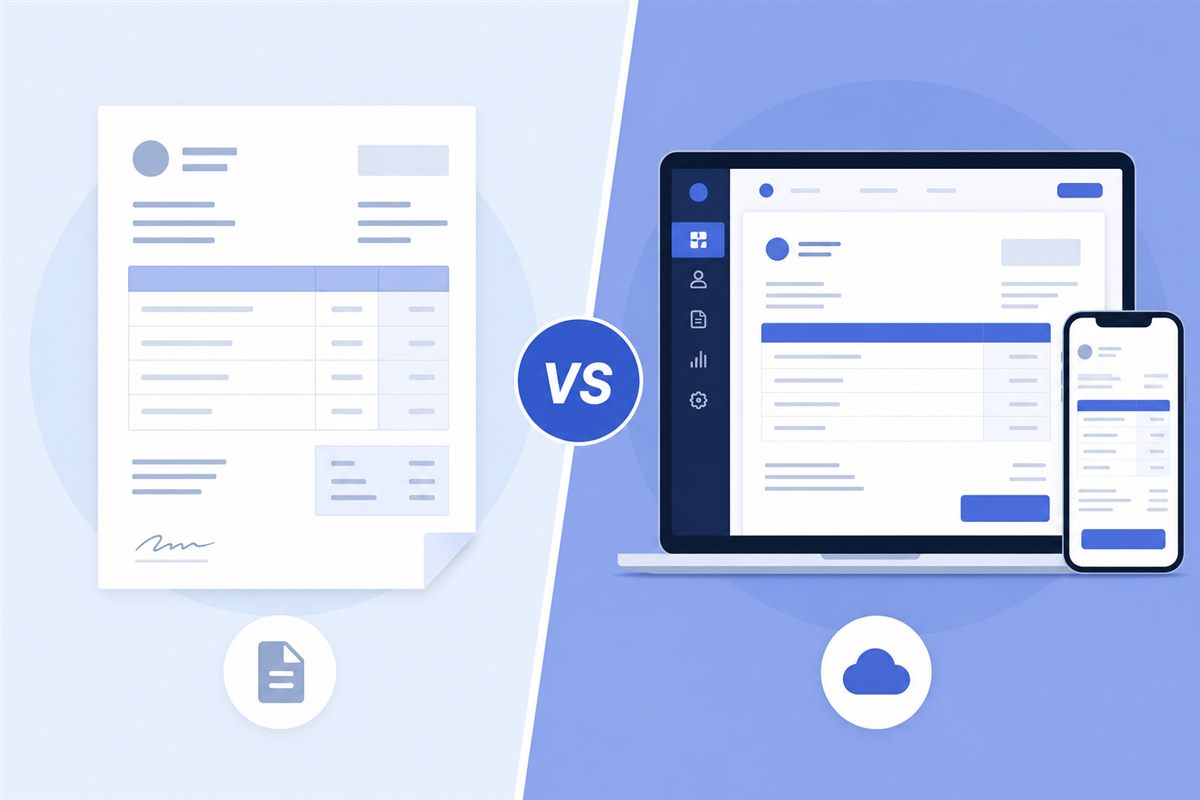
When you need to send your first invoice, start with a professional invoice workflow, you have two obvious options: download a template from the internet, or use an online invoice generator. Both work. But they work quite differently, especially when comparing free vs paid invoicing tools — and the right choice depends on what you actually need.
What Is an Invoice Template?
An invoice template is a pre-formatted document — usually in Word, Excel, or PDF — that you fill in manually each time. You download it once, open it, change the details, save, and send. Simple.
The upside: you have full control over the design and format. The downside: you're doing everything manually — calculations, formatting, saving versions, making sure nothing breaks when you edit it.
What Is an Invoice Generator?
An invoice generator is a web-based tool where you fill in a form — your details, the client's details, line items, tax — and the tool creates a professional PDF for you automatically. No formatting to worry about. No Excel formulas that might break. Make sure the PDF still covers what an invoice should include, including a unique number from your invoice numbering system. Pakistani freelancers can also use a free invoice template for freelancers in Pakistan.
Tools like Unique Invoice Generator do this entirely in your browser, with no account required and no watermarks on the final PDF.
Template: When It Makes Sense
- You want complete control over the design
- You already have an established format your clients expect
- You're comfortable with Word or Excel
- You invoice very rarely (once or twice a month)
Invoice Generator: When It Makes Sense
- You want a professional result without design skills
- You don't want to manually calculate totals and tax
- You invoice regularly and want speed
- You want a clean PDF with no formatting hassles
- You're working on a phone or tablet where templates are awkward
The Honest Verdict
For most freelancers and small business owners following a self-employed invoicing guide, an invoice generator wins on convenience and consistency. Templates start to show their limitations the moment you need to change a quantity, recalculate tax, or switch currencies. A generator handles all of that automatically, especially if you already know how to create a professional invoice.
The only real advantage of a template is design customization — and for most invoices, a clean, professional PDF is all you need.
If you're spending more than 10 minutes creating an invoice, something is wrong. A good invoice generator should have you done in under 5.
Frequently Asked Questions
What is the difference between an invoice template and an invoice generator?
An invoice template is a static Word, Excel, or PDF layout you edit manually for each bill. An invoice generator is an online tool that fills fields, calculates totals, and exports a professional PDF. Templates give design control but require manual work; generators save time on calculations, formatting, and consistent numbering.
When does an invoice template make sense?
A template can work if you send very few invoices, need heavy design customization, or must match a client's exact branding file. The trade-off is manual calculations, version chaos, and easy formatting mistakes. For most freelancers who invoice regularly, those drawbacks outweigh the design flexibility.
When should I use an online invoice generator instead?
Use a generator when you want speed, accurate totals, consistent invoice numbers, and clean PDFs without wrestling with spreadsheets. Generators are especially helpful if you invoice often, work with multiple clients, or want a professional look without design skills. Many free tools require no signup and no watermarks.
Is a free invoice generator good enough for small businesses?
For many freelancers and small businesses, a free generator covers the essentials: business and client details, line items, tax, payment terms, and PDF download. Paid software becomes more useful when you need accounting integrations, recurring billing at scale, multi-user access, or advanced reporting. Start simple and upgrade only when those needs appear.
Which option gets you paid faster?
An invoice generator usually helps you bill sooner with fewer errors, which indirectly speeds payment. Templates delay the process when formulas break or files get messy. What matters most is sending a complete, clear invoice quickly — generators make that easier for most people.